macOS app
macOS 13 or newer, Xcode Command Line Tools, and a local build from `./scripts/build.sh`.
 Ogle
Ogle
Private macOS state layer for AI assistants
Ogle turns local attention, activity, screenshots, webcam frames, and device signals into derived state summaries so an MCP-capable assistant can pace itself around your current focus and search your local visual memory.
Prerequisites
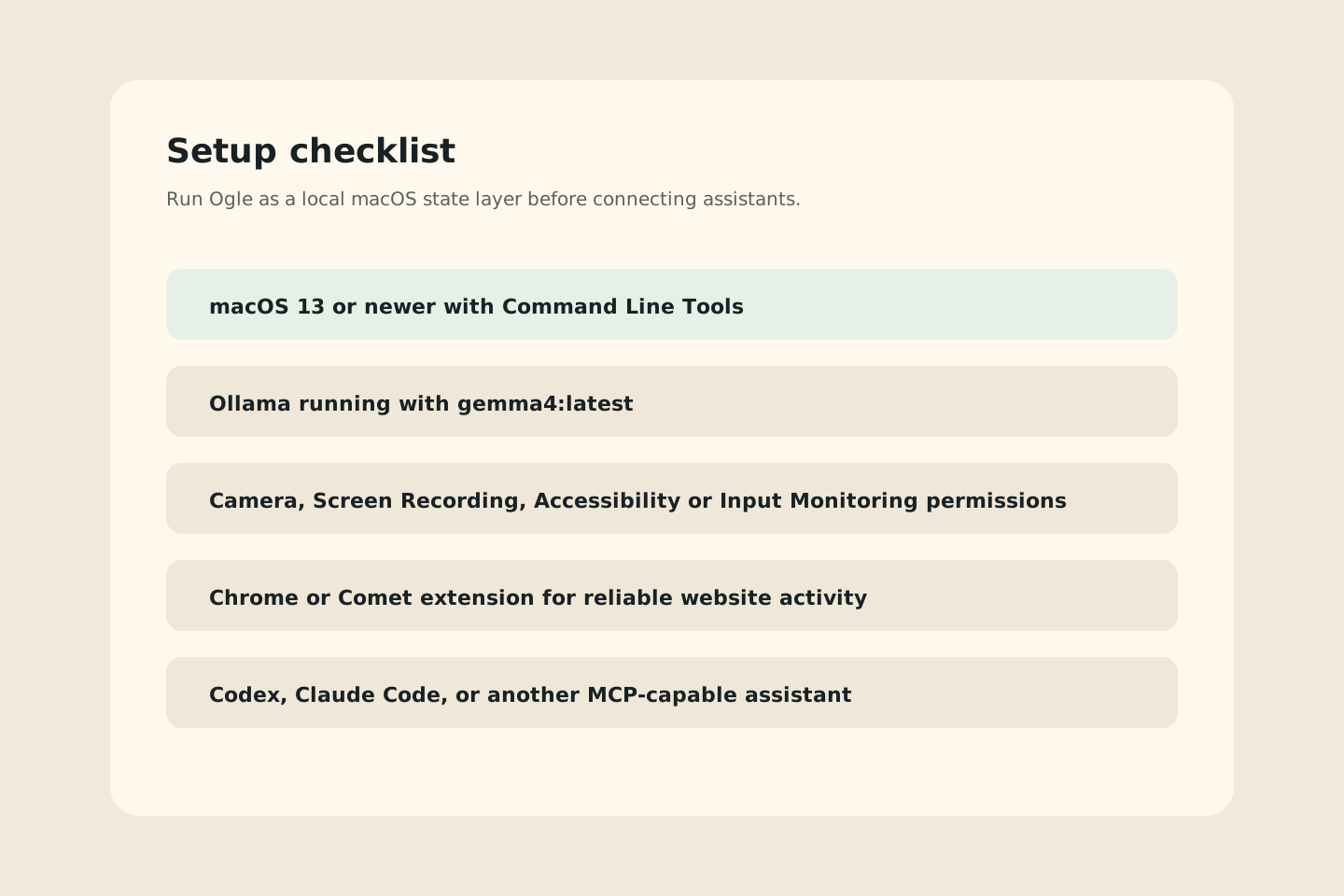
Ogle runs on your Mac, stores compact rows in SQLite, asks local Ollama for state estimates, and exposes derived summaries over MCP. Install these pieces before expecting assistant guidance.
macOS 13 or newer, Xcode Command Line Tools, and a local build from `./scripts/build.sh`.
Ollama running on `127.0.0.1:11434` with `gemma4:latest` and `embeddinggemma:latest` pulled.
Camera, Screen Recording, Accessibility, or Input Monitoring when you enable the related signals.
Codex, Claude Code, Gemini CLI, or another MCP client that can run `python3 mcp/ogle_mcp.py`.
What it does
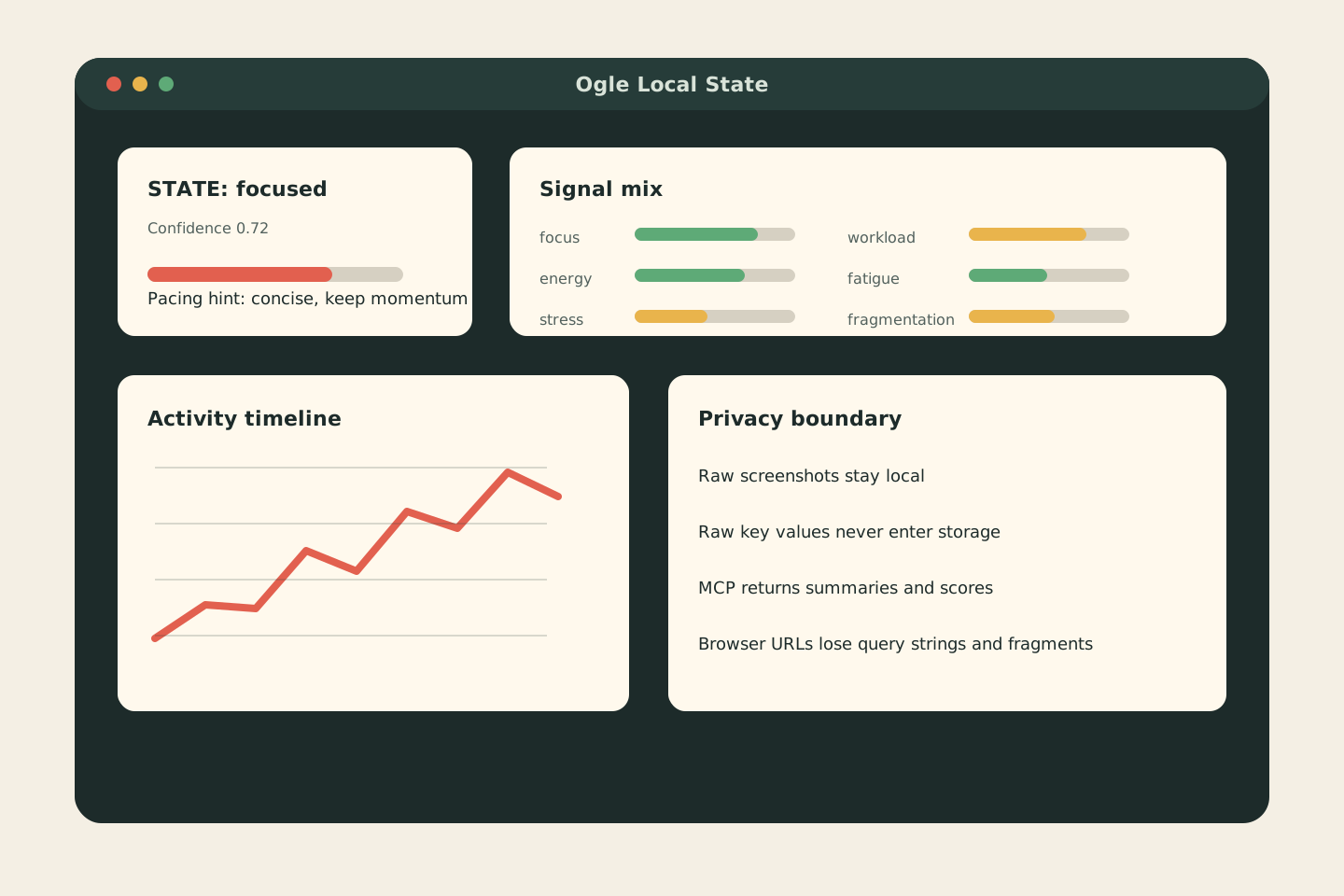
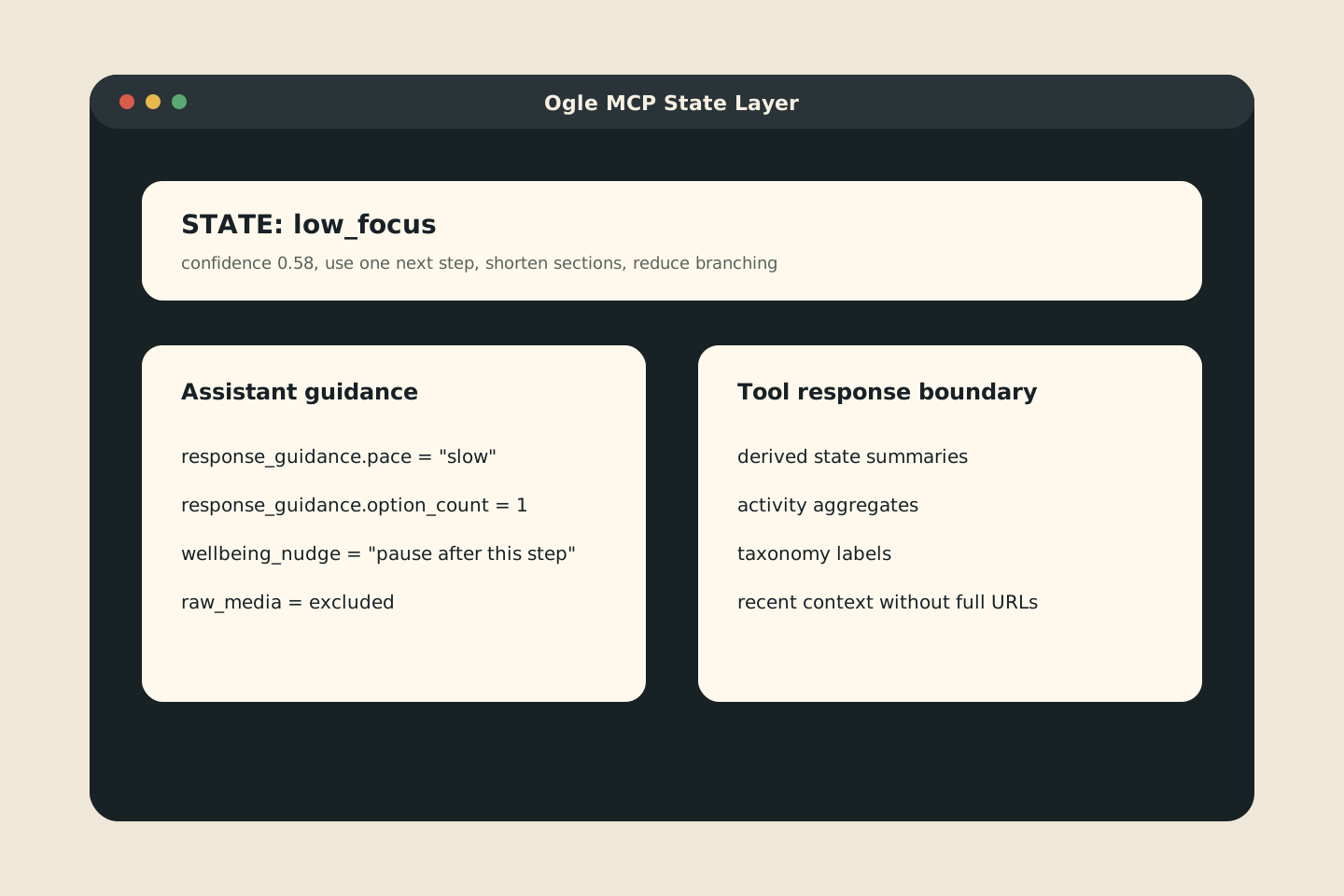
Ogle treats focus, fatigue, workload, stress, and fragmentation as estimates. Assistants can use those estimates to reduce branching, slow down, offer one next step, or move faster when your state looks stable.
Pointer movement, typing rhythm, app switching, process pressure, camera landmarks, and optional screenshot samples stay on the device.
Ollama produces structured focus, energy, stress, workload, fatigue, fragmentation, confidence, and advice fields.
`ogle_state_layer` and `ogle_codex_context` return derived summaries, response guidance, and privacy boundaries.
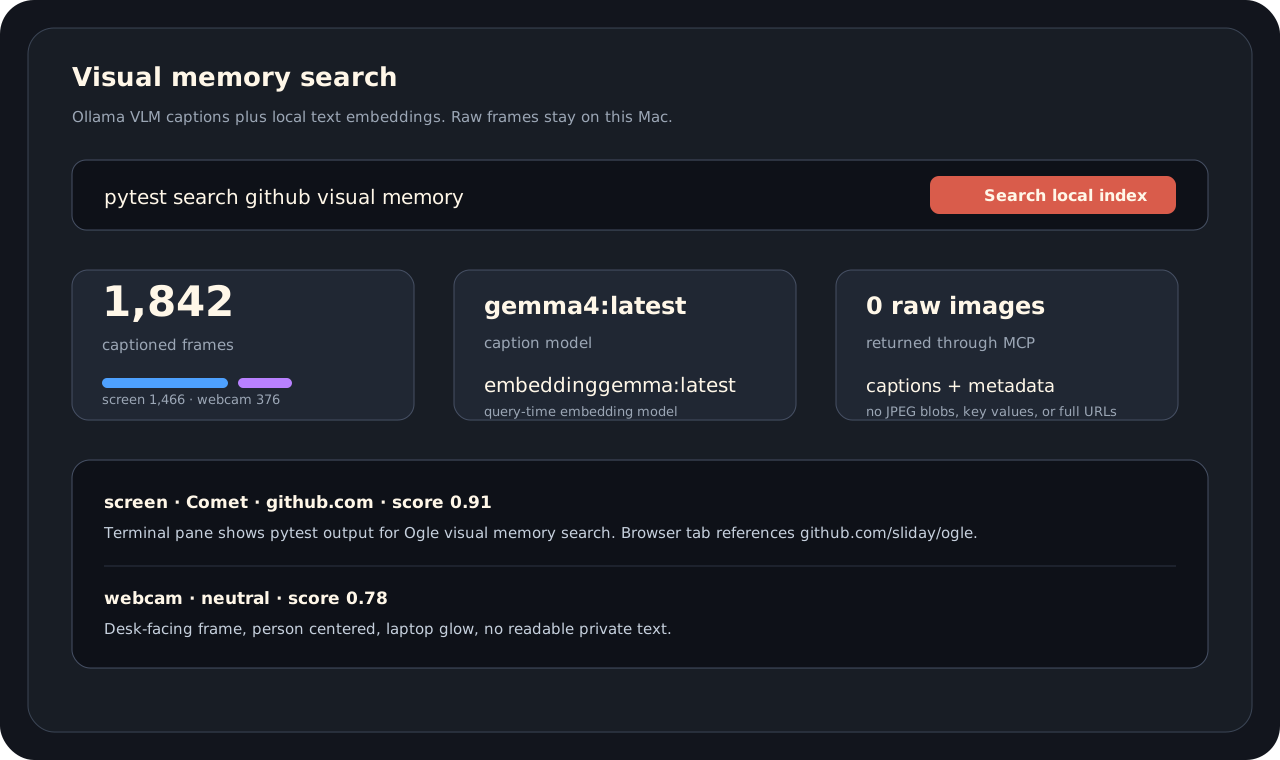
`ogle_visual_memory_search` searches local VLM captions and text embeddings for screenshots and webcam frames. It returns captions and metadata, not raw images.
The Chrome or Comet extension writes sanitized active-tab metadata after removing query strings and fragments.
Privacy boundary
Ogle excludes raw screenshots, webcam frames, audio, key values, prompts, and full URLs from MCP responses. The app stores derived rows locally and keeps weak signals labeled as state estimates.
Start with the macOS app, add Ollama, then connect an MCP client when the local state layer looks useful.
Open github.com/sliday/ogle